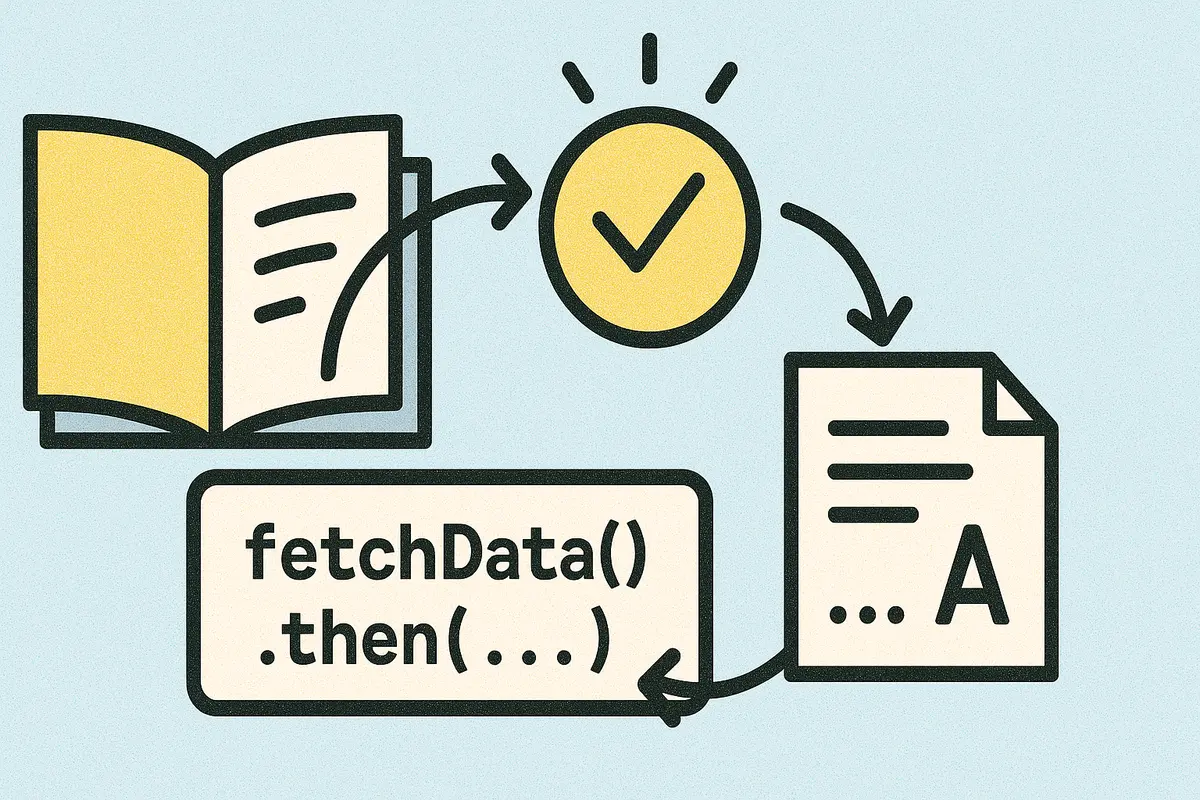
TLDR - Unveiling the Magic of Promises: Enhancing Readability in Asynchronous JavaScript Callbacks often lead to messy, nested code — aka “callback hell.” Promises simplify asynchronous operations, improving readability and maintainability. .finally() ensures cleanup (optional mention)
Chaining Promises avoids nesting and makes code cleaner. Promise.all() lets you run multiple Promises in parallel and wait for all results. Best Practices: Always return Promises in .then() chains. Avoid nesting Promises—chain them instead. Async/await offers even cleaner syntax that reads like synchronous code.
Promises are a major improvement over callbacks for modern JavaScript development.
Have you ever felt overwhelmed by the complexities of asynchronous JavaScript code? Does the infamous “callback hell” or “pyramid of doom” haunt your projects, making your code difficult to read and maintain? Fear not! By harnessing the magic of Promises, we can transform our asynchronous code into something more manageable and elegant.
In this article, we'll explore how Promises can improve the readability and structure of our asynchronous JavaScript code. We'll delve into what Promises are, how they work, and how we can use them effectively to write cleaner, more maintainable code.
Before Promises were introduced, handling asynchronous operations in JavaScript often involved nesting callbacks. While callbacks are a fundamental part of JavaScript, excessive nesting can lead to deeply indented code that's hard to read and maintain - a situation commonly referred to as “callback hell”.
This pattern quickly becomes unmanageable as more asynchronous operations are added. Promises offer a cleaner way to handle asynchronous code, allowing us to avoid such convoluted structures.
A Promise is a JavaScript object that represents the eventual completion (or failure) of an asynchronous operation and its resulting value. It provides a standardized way to handle asynchronous tasks, making our code more readable and easier to maintain. Pending : The initial state, neither fulfilled nor rejected.
Fulfilled : The operation completed successfully. You can create a new Promise using the Promise constructor, which takes a function with two parameters: resolve and reject.
In this example, the get function returns a Promise that resolves with the response data if the HTTP request is successful or rejects with an error if it fails. To handle the outcome of a Promise, we use the .then() and .catch() methods. The .then() method takes up to two arguments:
onFulfilled : Called when the Promise is fulfilled onRejected (optional): Called when the Promise is rejected.
Alternatively, we can use .catch() to handle errors, that makes your code cleaner and separates error handling from successful outcomes.
One of the powerful features of Promises is chaining, which allows us to perform a sequence of asynchronous operations without nesting callbacks.
In the above example, each .then() returns a new Promise, allowing us to chain additional asynchronous operations in a linear, readable manner.
When we need to perform multiple asynchronous operations concurrently and wait for all of them to complete, you can use Promise.all().
Promise.all() takes an array of Promises and returns a new Promise that resolves when all of them have resolved or rejects if any of them reject. In this example, loadScript returns a Promise for each script, and Promise.all() waits until all scripts have loaded.
In order to maintain the proper sequence of execution and pass down data through the promise chain, ensure that we return Promises in our .then() callbacks if we're performing asynchronous operations. To fix this, we need to return the Promise: Always include a .catch() at the end of our Promise chain to handle any errors that may occur.
Chaining Promises reduces the need for nesting, improving readability.
With the advent of ES2017, JavaScript introduced async/await, which allows us to write asynchronous code that looks synchronous, further improving readability. Here, await pauses the execution of the async function until the Promise resolves, making the code appear synchronous.
Pros : Simple for single asynchronous operations Cons : Leads to deeply nested code when handling multiple asynchronous operations Pros : Provides a clear and linear flow of asynchronous operations. Allows parallel execution of asynchronous tasks with Promise.all()
Cons : Slightly more complex to set up initially Requires understanding of Promise behaviour
Promises bring a magical touch to handling asynchronous operations in JavaScript. By adopting Promises (and async/await), we can write code that's not only more readable but also easier to maintain and less prone to errors. Embrace the magic of Promises in your projects, and say goodbye to callback hell!